Swipe right. Keep it.
A familiar face. A good cup of coffee. Keep what makes you smile, and meet the next photo.
 Picbye
A little room for what matters
Meet your photos again. Keep the ones you love. Set the rest aside, and decide when you’re ready.
View on the App StoreMade for iPhone & iPad · English, 简体中文, 繁體中文
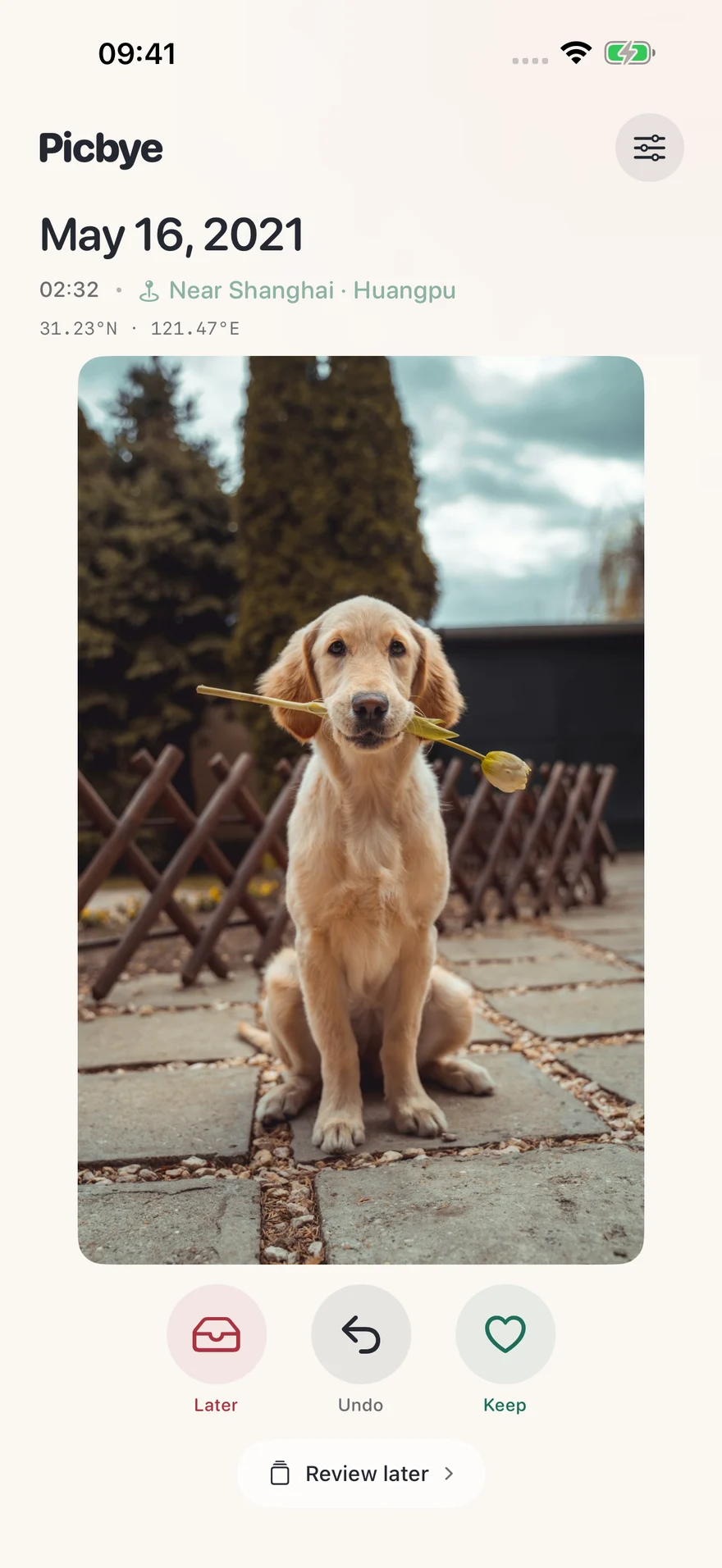
A camera roll is a little bit of everything. You don’t have to sort it all today.
A familiar face. A good cup of coffee. Keep what makes you smile, and meet the next photo.
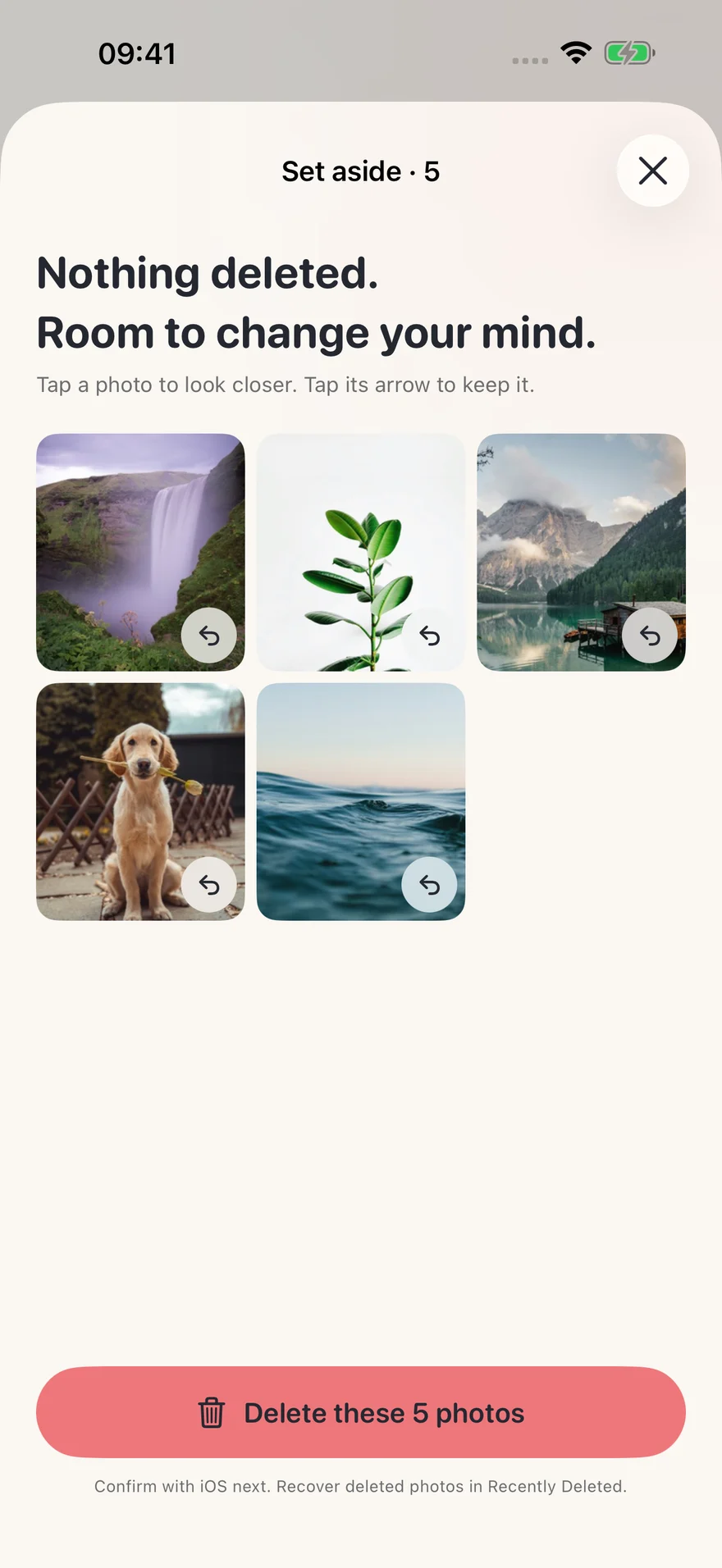
Set it aside in a review list. Nothing leaves your library until you submit the list and confirm with iOS.
Undo your last choice or take a photo out of the list. No rush, and no need to get every swipe right.
Look through everything you’ve set aside. Keep a few. Delete the rest together. If you cancel the system confirmation, your list will still be here.
Made for iPad, too. Portrait or landscape, see the whole photo and tap to look closer.
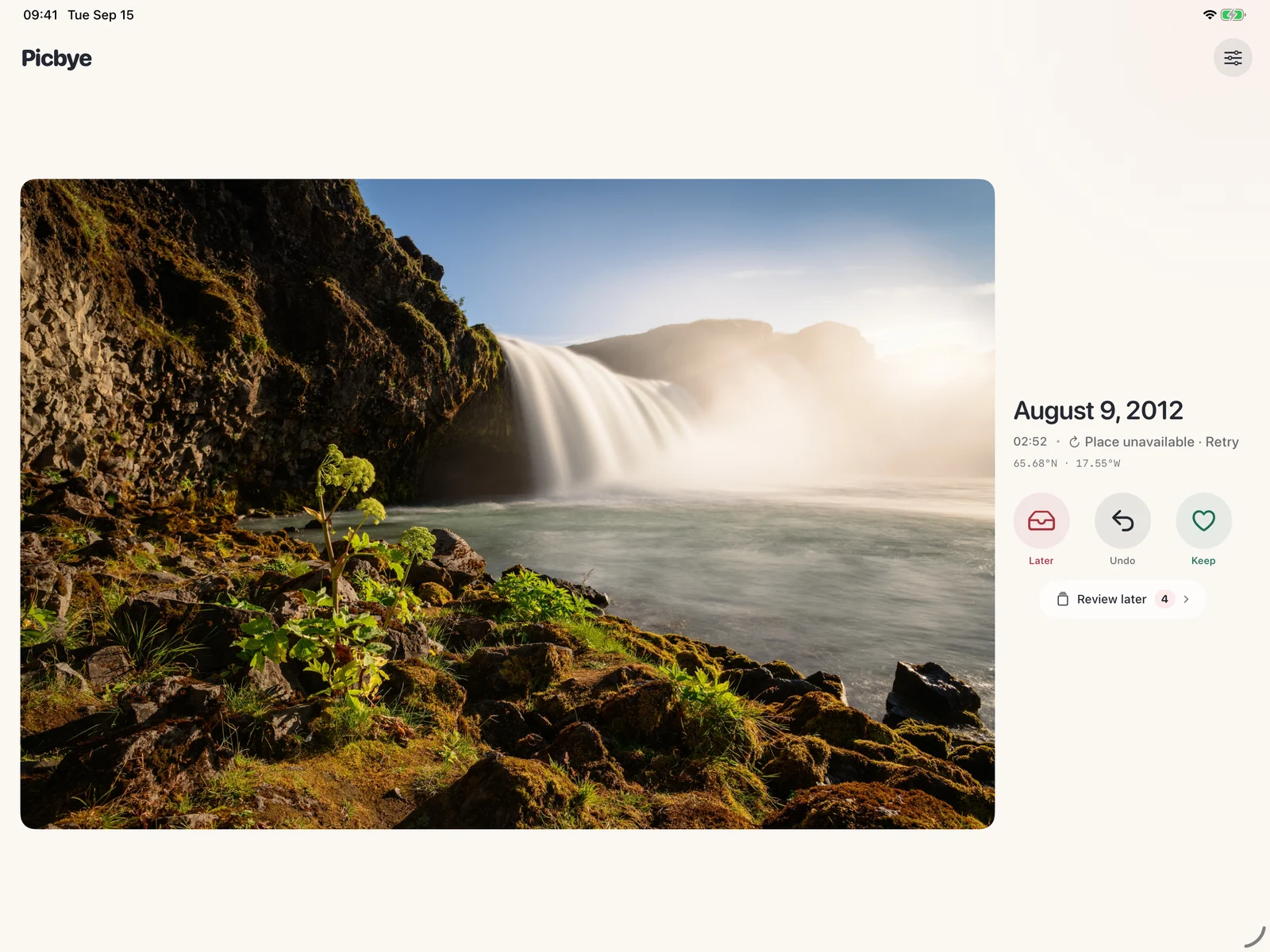
No. It only adds the photo to your set-aside list. Review that list, submit it, and confirm with iOS to delete.
Picbye does not upload photos to its own servers. iCloud photos may be downloaded by the system. Optional place names send approximate photo coordinates to Apple, and are off by default.
Your choices stay on this device. Photos you have reviewed do not reappear in the same round. You can explicitly reset the round in Settings.
Not in this version. Picbye focuses on still photos and whole Live Photos. Hidden photos and videos are excluded. There is no duplicate detection or compression.